
Landing pages
AI landing page generator
Describe your offer in one sentence and get a finished landing page — headline, sections, proof and call to action — inside a layout a designer already built.
- One prompt fills the whole page, not just a headline
- 16 fixed layouts, so the result never looks half-designed
- Colour themes chosen to match your product's tone
- Publish to a shareable link straight away
How it works
- Step 1
Pick a layout
Choose a landing page layout built for your category — SaaS, app launch, service business, event.
- Step 2
Write one prompt
Say what you sell and who it's for. That's the only input the generator needs.
- Step 3
Publish and share
Your page goes live on a public URL you can share, post or hand to a client.
Landing page templates to start from
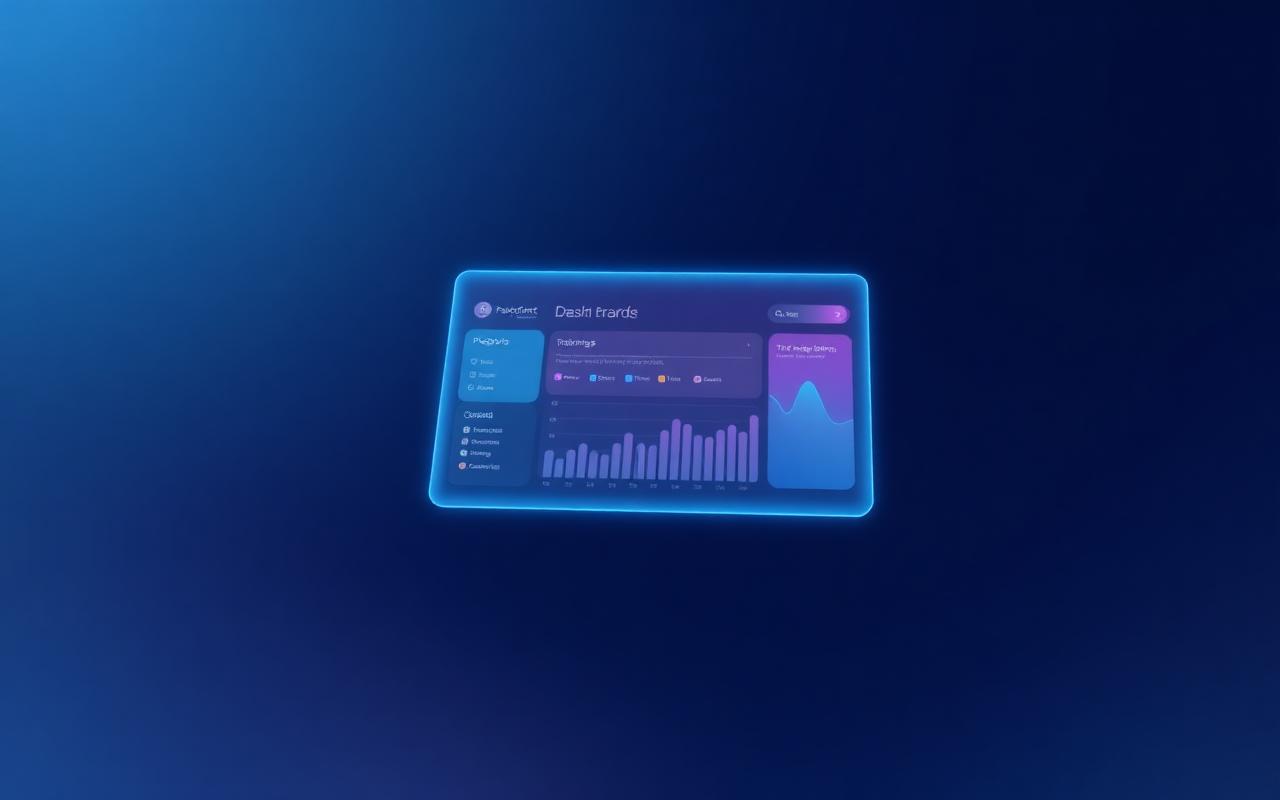
Aurora
Product-led landing page with feature grid, metrics and proof.

Meridian
Editorial studio site with services, selected work and clients.
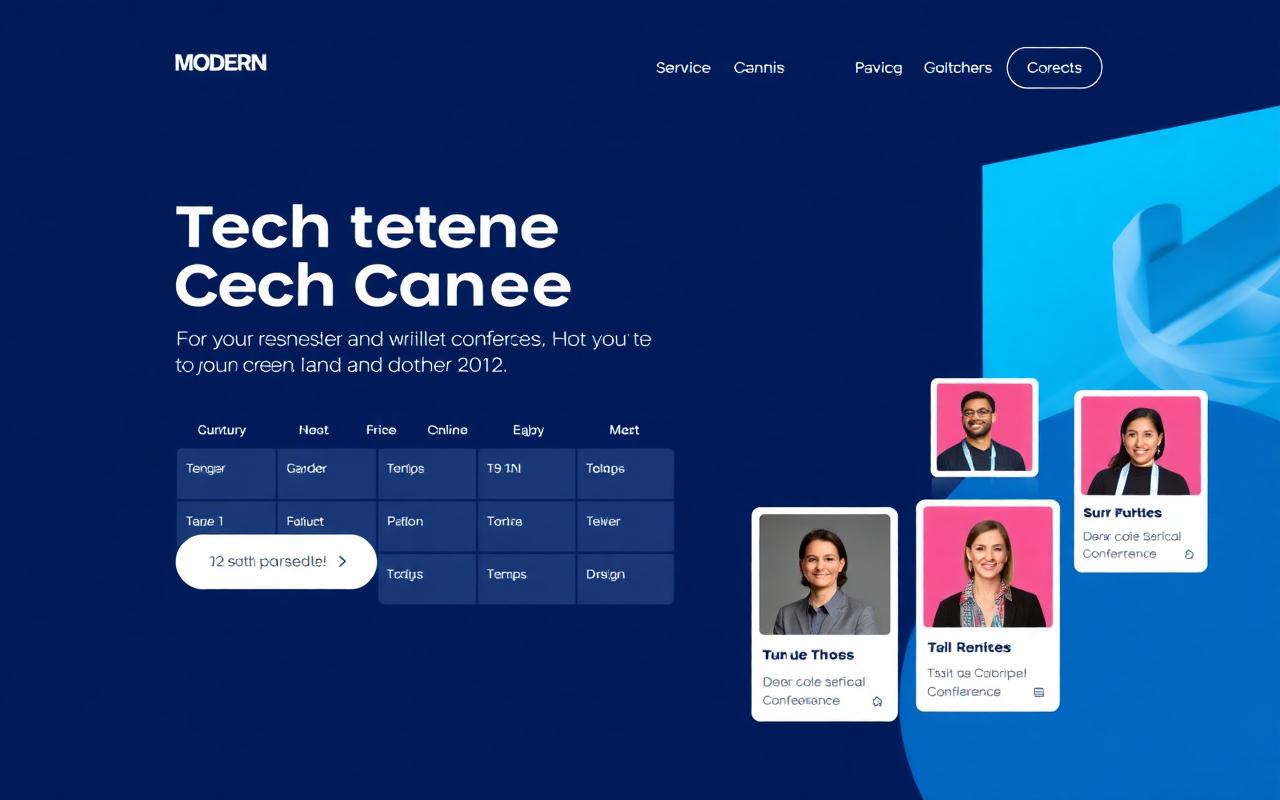
Summit
Event landing page with programme tracks and speakers.
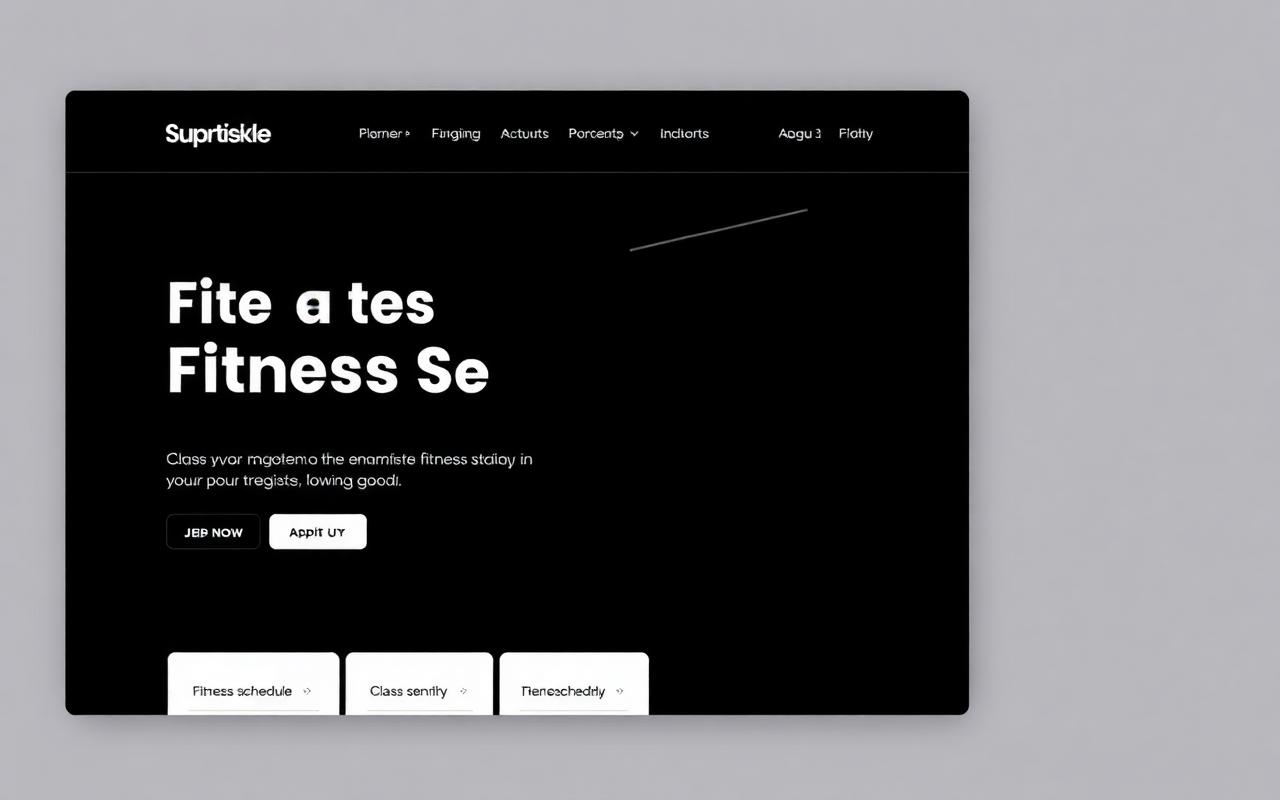
Pulse
High-energy studio page with class schedule and results.
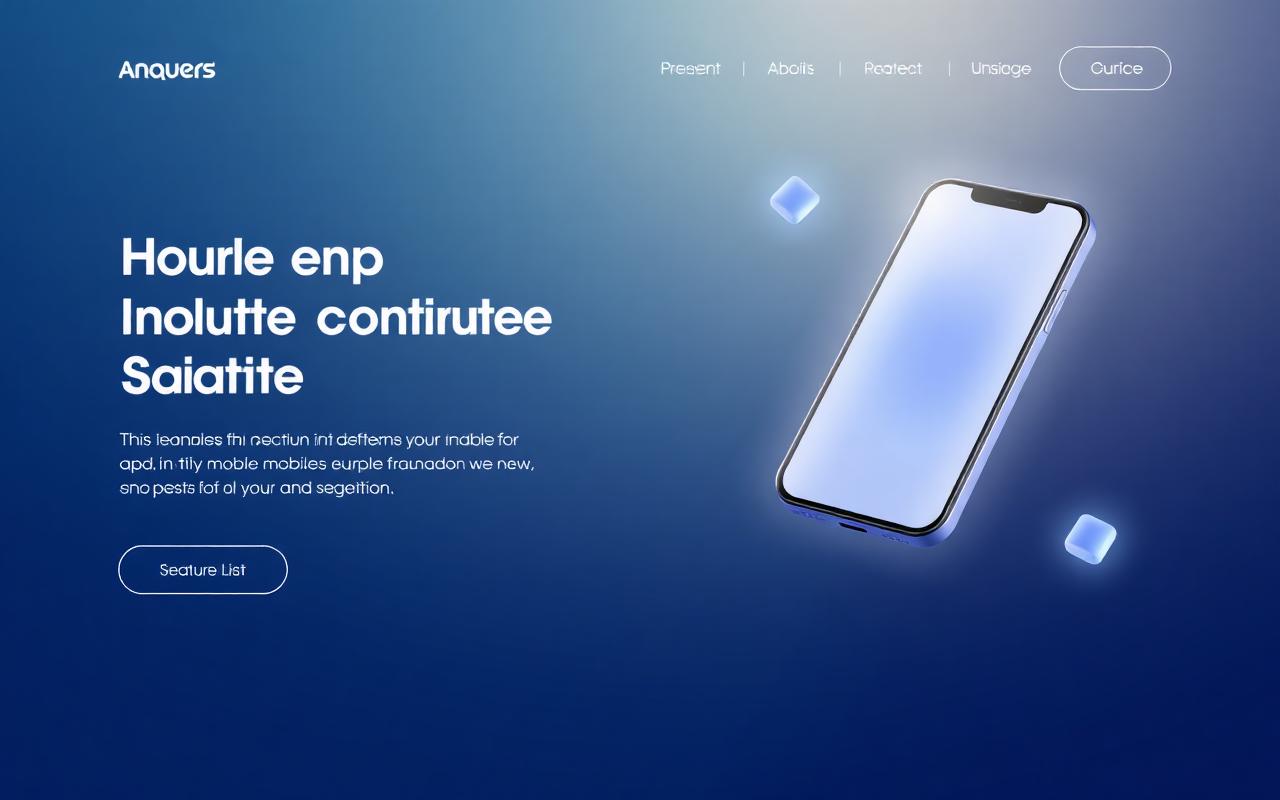
Orbit
App launch page with phone mockup, features and ratings.
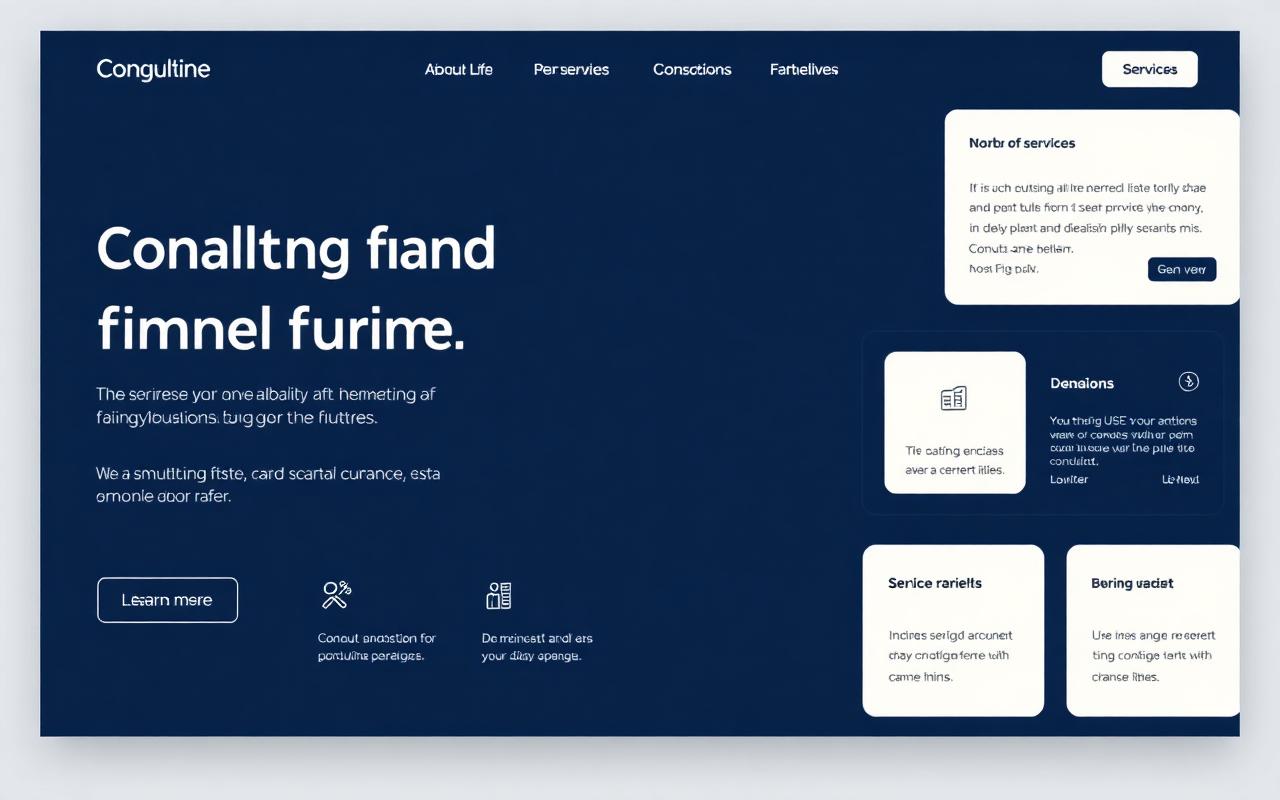
Beacon
Sober professional-services page with practice areas.
Why generate the copy, not the layout
Most AI site tools generate the layout as well as the words, which is why their output so often looks generic or breaks on mobile. PromptlySites.in takes the opposite approach: the layouts are fixed and designed up front, and the AI only fills in the content and the theme.
That means the page you publish has consistent spacing, real typographic hierarchy and a responsive grid every time — while the words, sections and palette are specific to your business.
If you want more control, the Assemble flow lets you combine a header, a hero and as many sections as you need, then generate content across the whole composition in one pass.
Frequently asked questions
- How does the AI landing page generator work?
- You choose a fixed, designer-built layout, then describe your product or service in a sentence. PromptlySites.in writes the headline, supporting copy, feature blocks, proof and call to action, and selects a colour theme that fits. The layout itself never changes, so the result stays well designed.
- Is the landing page generator free?
- Yes. Every Free-tier template can be generated and published at no cost; published Free pages carry a small PromptlySites.in badge. The Unlimited plan removes the badge and unlocks the Pro templates.
- Can I edit the landing page after generating it?
- Yes. You can regenerate with a new prompt at any time, rename the page, and share it from your dashboard. Each page has a public link you can send or embed.
- What kinds of landing pages can I build?
- SaaS product pages, app launches, agency and consulting pages, events, fitness studios, restaurants, real estate listings, nonprofits and more. You can also assemble a page from individual header, hero and section blocks.
- Do I need to write code or design anything?
- No. The layouts, spacing, typography and responsive behaviour are already built. You supply one prompt and the generator supplies the words and the palette.